Gallio PRO on-premise: does it store personal data logs?
If you are considering Gallio PRO for CCTV redaction, the important question is not simply whether the software is installed on-premise. It is: what information does it create, where does that information go, who can access it, and how long is it kept?
For a property team, this matters because a redaction workflow can involve footage of residents, visitors, contractors and staff. Redacting a clip may reduce the personal information in the version you share, but the original footage, processing records, user activity and exported files may still contain sensitive information.
This article explains how to assess whether Gallio PRO stores personal data logs and what to check before using it in a building. It does not assume that every installation has the same settings or that a particular logging feature is enabled. Confirm the current product behaviour with Gallio and your own IT or privacy advisers before relying on it.
The short answer: on-premise does not automatically mean “no logs”
“On-premise” generally means that software is deployed on infrastructure controlled by the organisation, rather than being operated entirely as a hosted cloud service. That can give a building owner or management company more control over storage and access. It does not, by itself, establish that no personal data is logged, that no information is sent to a vendor, or that all temporary files are deleted.
To answer “does Gallio PRO store personal data logs?” you need to distinguish between several kinds of data:
- Source footage: the original CCTV clip submitted for processing.
- Processed footage: the redacted or otherwise transformed output.
- Detection or processing data: information generated while software identifies objects or applies redaction.
- Operational logs: records of events such as log-ins, processing jobs, errors, settings changes or exports.
- Temporary files and backups: intermediate data, caches, queues or copied files that may remain outside the main application.
These categories have different privacy implications. A system might, for example, avoid retaining detection data while still recording user activity or processing errors. A vendor statement such as “no detection logs stored” should therefore be read narrowly and checked against the full logging and deletion behaviour.
What to ask Gallio before making a decision
Ask for a written description of the data lifecycle for the exact Gallio PRO version and deployment you plan to use. A useful conversation covers what is collected, why it is collected, where it is held, who can see it, and when it is removed.
- What is logged? Ask about detection data, job histories, usernames, timestamps, file names, error reports, audit trails and system diagnostics.
- Do logs identify a person or a clip? A log can be personal data even if it does not contain a face image. For example, a user name linked to a timestamp and a named incident may identify someone indirectly.
- Where does each item reside? Confirm whether data stays on the building’s server, is written to a workstation, or is transmitted to any vendor-controlled service.
- What is retained after a job ends? Ask about source clips, redacted outputs, intermediate files, caches, backups and diagnostic records.
- Who can access it? Identify application administrators, IT staff, the property team, external support personnel and any other parties with access.
- How is deletion verified? Check whether deletion is automatic, manual, subject to a retention schedule, or affected by backup cycles.
Do not settle for a general answer that the product is “private” or “secure”. Ask the practical question: What security question does this camera answer? Then ask the equivalent about the software: what operational need does each log serve, and can that need be met with less identifying information?
Data minimisation starts before redaction
A privacy friendly workflow begins when footage is selected, not when a redaction tool processes it. Before exporting a clip, the person handling the request should identify the purpose, relevant camera, time window and material needed to answer the request. Exporting an entire shift “just in case” increases the amount of personal data to secure and review.
For a mixed-use building, a targeted workflow might involve a specific entrance and a short period around an incident. A broad export from every lobby, lift and garage camera may capture unrelated residents, deliveries, staff activity and visitor movements. It also creates more material that needs access controls, review and deletion.
- Define the incident or request before searching footage.
- Use the narrowest reasonable camera and time range.
- Limit processing to the clip needed for the stated purpose.
- Keep the original separate from the redacted copy and restrict access to both.
- Record why a clip was exported and who approved the action.
On-premise redaction can be part of this approach where the processing takes place on infrastructure under the organisation’s control. But on-premise deployment is only one safeguard. It does not replace careful clip selection, account permissions, secure storage, documented approvals or deletion rules.
Camera placement and field of view still matter
Software cannot fix every privacy issue created by a camera’s position. If a lobby camera captures a neighbouring doorway, private windows or a wide area of pavement, unnecessary footage may be collected before anyone starts redacting. Review whether the camera’s purpose can be met with a narrower angle, privacy masking, changed positioning or a different operational measure.

For each camera, document:
- the security or safety purpose it serves;
- the area it is intended to cover and any areas it should not capture;
- who approved its placement and field of view;
- who may view live footage and who may export recordings; and
- when the view and continued need for the camera will be reviewed.
Pay particular attention to lifts, mailrooms, residential corridors and garages. Cameras in these areas may reveal routines and associations, not just isolated incidents. A narrower field of view can reduce collection at the source, while appropriate masking can help where the physical view cannot easily be changed. Neither step removes the need to control access to recorded footage.
Ownership and governance: who decides?
CCTV decisions should not be left to whoever can access the system. The organisation responsible for the building’s surveillance should establish a clear governance process, involving the appropriate property management, board or committee representatives, privacy lead and IT support. Where relevant, take advice from the organisation’s data protection officer or external counsel.
Governance should cover more than installation. It should set out who can authorise a new camera, approve a change in field of view, respond to a request, export footage, use redaction software and approve disclosure. It should also explain how decisions are documented and how complaints or incidents are escalated.
Decision area Practical governance question Camera purpose What specific security or safety need does it address? Placement and view Does it capture only the area needed, and who approved that view? Processing and logs What information does Gallio PRO process or record, and who can access it? Disclosure Who checks the redacted clip and authorises sharing it? Retention When are source files, outputs and logs deleted, including from backups?Retention and routine deletion need to include the whole workflow
Retention periods should be set according to the purpose and the organisation’s applicable policies and legal obligations. There is no single period that is automatically right for every building, camera or incident. The key is to define a period, explain the reason for it, apply it consistently and review exceptions.
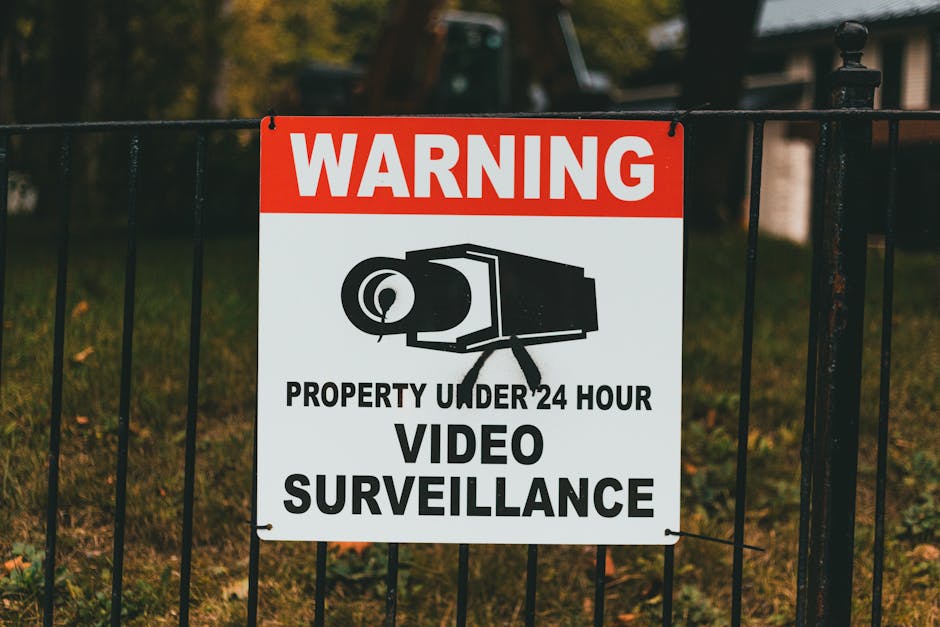
Do not create a retention rule for the CCTV recorder and assume that it also covers Gallio PRO. Processing can create extra copies in an upload or working directory, a user’s desktop, an export folder, a backup or a support bundle. Map those locations and assign responsibility for deleting each type of data.
A practical schedule distinguishes between routine recordings, clips preserved for a specific incident, redacted disclosure copies and operational logs. If an incident requires footage to be held longer, document the reason, the authorised person and the next review date. Once the reason ends, delete the material in line with policy.
- Set deletion dates for exported clips instead of relying on memory.
- Check whether application logs have their own retention settings.
- Include temporary files, local downloads and backup copies in the review.
- Keep a record of deletion or disposal where the policy requires it.
- Prohibit indefinite retention “just in case”.
Where do exported clips end up, and who can open them?
This is the question I ask whenever a team adopts a new redaction tool. A successful export is not the end of the privacy workflow. Find out whether the clip is saved to a managed server, a local computer, a removable drive or another destination. Then identify the named roles or users who can open it.
Avoid sending raw clips around by email or dropping them into a broadly shared folder. Use an approved, access-controlled location, share only the necessary redacted copy, and record the recipient and purpose. If an unredacted original must be retained for a legitimate reason, keep it separate and limit access. Staff curiosity is not a reason to view footage: access should be tied to an assigned task and auditable where practicable.
A short export checklist
- Is the clip limited to the relevant camera and time?
- Has the output been reviewed for people or details still needing redaction?
- Does the file name or metadata reveal more than necessary?
- Is the destination approved and access restricted?
- Who is authorised to open the file, and how long will it remain available?
- Is the original kept separately, with a documented reason and deletion date?
Do not mistake “no detection logs stored” for “no personal data”
The phrase “no detection logs stored” may be reassuring, but it does not answer every privacy question. It could describe one specific data type while https://smoothdecorator.com/do-common-area-cameras-record-access-patterns-and-why-does-that-matter/ leaving other records unaffected. Ask whether it means no detection results are retained after processing, no detection data is written to Find more information disk at all, or something else. Also ask whether the statement applies to routine use, troubleshooting, failed jobs, system backups and vendor support.
Likewise, “on-premise redaction” describes a deployment or processing arrangement, not necessarily the complete handling of personal data. The safest approach is to verify the product’s documented behaviour, test the installed configuration and record the settings your organisation relies on. If the vendor offers different deployment options or logging controls, confirm which ones are actually included in your proposed setup.
About the missing price information
If a scraped article or product summary lists no prices, that simply means the source did not provide a usable price in the material you reviewed. It is not evidence that Gallio PRO is free, and it is not a basis for estimating a licence or deployment cost.
Request a current quote directly from the vendor and clarify what it includes: licence fees, on-premise deployment, implementation, support, upgrades, training and any infrastructure requirements. Confirm the quote against the version and configuration being assessed for privacy. Cost and data handling are separate questions, but both should be clear before approval.
Conclusion: verify the configuration, not just the label
Whether Gallio PRO stores personal data logs depends on the precise data types, settings, deployment and retention arrangements in your environment. On-premise deployment may give an organisation greater control, but it does not prove that logs are absent or that data is automatically deleted. Treat claims such as “no detection logs stored” as a starting point for specific, written questions.
A sound decision combines data minimisation, carefully controlled camera views, accountable ownership of CCTV decisions, access restrictions and routine deletion. Test the full workflow: source footage, processing, logs, exports, backups and eventual disposal. That is how a privacy friendly workflow becomes an operating practice rather than a product label.
Share this article
- Share on Facebook
- Share on X (Twitter)